How to Use a CRM Program to Maximize Sales and Marketing Growth
Don’t Feel Overwhelmed By a CRM, Let Us Show You How It Can Make Your Business Efficient for Growth
Do you ever find yourself overwhelmed by the idea of using a CRM within your business? Or do you already have one and you’re not consistently using it? You’re not alone.
Let Us Set the Record Straight With:
An Inside Look At the CRM Sales and Marketing Process
For many of you, when you started your company, formalizing a sales process wasn’t a top priority—the goal was simply to get as many sales as you could and generate a profit. Now that your business has grown, you’re trying to standardize some processes, build in reporting capabilities and establish goals for your team.
When you had smaller teams, or a handful of contacts to keep track of, keeping details straight was easy enough. But now you’re scaling up and managing sales, marketing and communications isn’t so simple.
As you build your sales teams and look to track your marketing, your processes and opportunities become difficult to monitor—some customer contacts may even fall off the radar—and it can be complicated to delegate roles and track progress. So, with no standardized processes in place, the sales and marketing funnel varies per contact and the level of quality is all over the place—enter in the Customer Relationship Management (CRM) system.
If you are asking yourself, “why use a CRM system,” just like a boat needs a reliable hull to keep it afloat, a business needs systems that offer employees and customers reliable quality-controlled processes and policies. As a manager or business owner you need a monitoring tool that easily shows you what goals you are, or are not, meeting.
Which Types of Businesses Should Use a CRM?
Companies that use CRM systems effectively not only want to maximize sales and growth, but also have longer sales cycles. These businesses tend to fall into the business-to-business (B2B) and software-as-a-service (SaaS) industries.
A long sales cycle requires a lot of communication with prospective customers to move them through the sales funnel before converting them. In addition to the following ways a CRM can improve your sales process, it can store all communications for transparency and tracking across departments.
7 Ways a CRM Can Improve Processes
Documents Communications and Sales Activities: A proper CRM can do more than store email communications between your internal team and clients. It can document the entire sales process and all related activities regarding a particular company—from qualifying and quoting, to storing signed orders and PO development. By entering and tracking information from initial contact through the closing of a sale, you can forecast sales and easily manage your entire business. These benefits also allow your team members to continue the process if others are ill, on vacation or leave your company.
Establishes a Formal and Repeatable Process: A CRM aids in standardizing interactions between your account representatives and the customer contacts. It’s a quality-control tool that develops consistency and saves your team valuable time in the long-run.
Automates and Reduces Data Entry: Technology has evolved enough to eliminate the need for Excel spreadsheets by syncing and auto-populating entry fields within a CRM. A CRM can automatically store email communications with timestamps, bulk emails can have mail merge and open-rate details, notifications can be setup for next steps and meetings—giving your team more time to focus on what’s important, building relationships and selling products, not entering data.
Forecasts Sales: One of the top benefits of a CRM is the ability to forecast sales more accurately. In the days of Excel spreadsheets, broken formulas and bad data entry opened doors for forecasting errors and time-consuming fixes. With a CRM, built-in calculations and reports allow for better decision making because it’s easier to access quality information.
Creates and Tracks Goals: A good CRM system allows for management to enter goals and employees to track against them—then everyone on the team has transparency when it comes to work loads. High performers will know when their work warrants recognition and management will be alerted to it. Likewise, underperforming team members will know where they need more coaching to meet their goals.
Checks and Alerts to Customer Progress: Gone are the days when management or sales representatives need to wait until team meetings to hear updates on customer accounts. A CRM allows for anyone on the team to quickly check where a customer sits in the sales/marketing funnel, learn about next steps and approximate timeline.
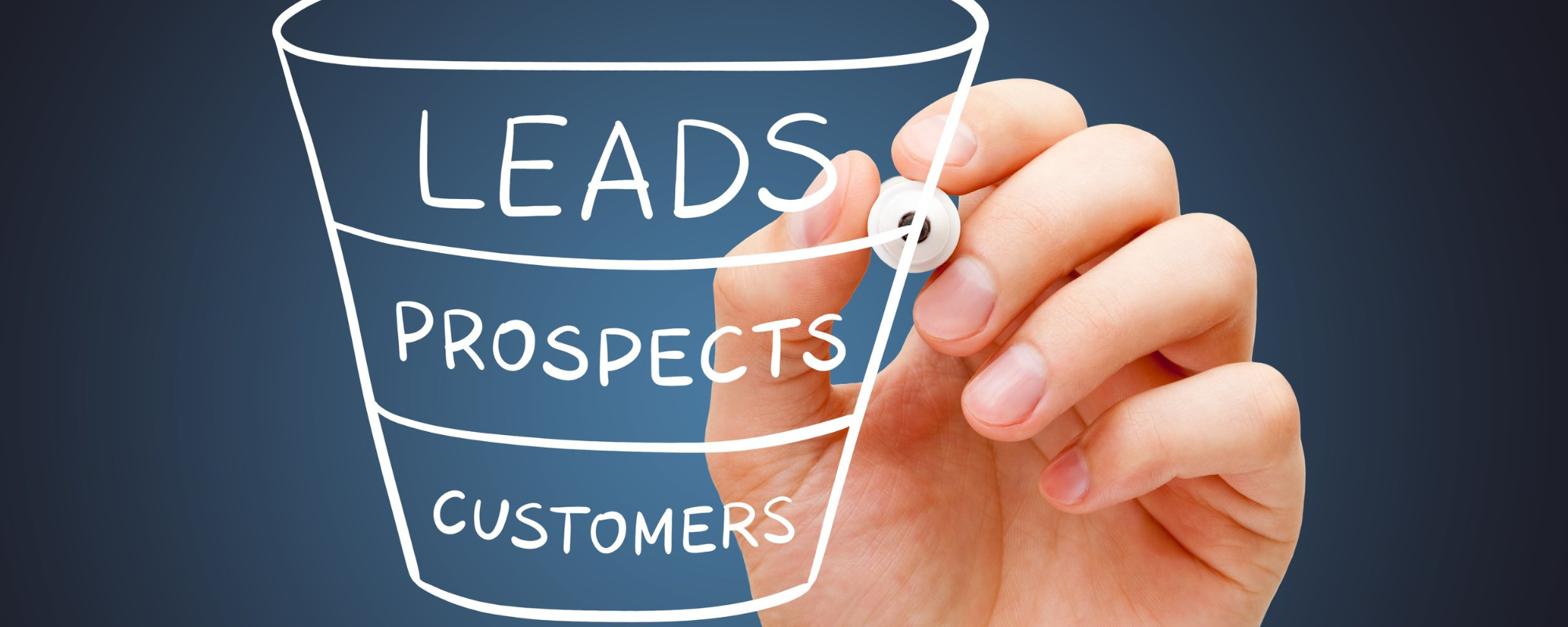
Manages Sales Funnels: By working with your team, you can outline each step of your sales and marketing funnel, set conversion goals between steps, and in return, identify how and where customers get hung up in the processes so your team can improve where necessary. For example, if customers don’t convert from the proposal phase into sales, but moved efficiently through earlier phases, you should ask yourself, “what caused them to leave?” If customers made a first purchase but don’t continue, is it because sales members are not re-engaging after the first purchase, or was there another reason?
How a CRM Benefits Marketing Campaigns
Now that we’ve outlined how to use a CRM to maximize sales and processes, you might find yourself asking, “how do I use a CRM for marketing?” Your software can be an indispensable tool for your marketing team, just like it is for your sales and support teams.
We all understand that for marketing to be effective, it has to get the right message in front of the right target audience at the right time. To do so, your team needs to have a clear understanding of where all leads and contacts sit in your sales funnel so they can properly address needs at each of those steps. This is where the CRM falls into place.
Using the CRM for your marketing benefits your sales team by helping them:
Get a better understanding of the target audience and behaviors using data reports from the CRM system.
Group customers and leads by location, phase in the sales process, industry, purchasing history, interests, etc.
Find and nurture new leads from trade shows, social media campaigns, website inquiries and other marketing campaigns.
Identify audience trends and preferences through communication and engagement data points.
Personalize and automate bulk communications using data merge tools to save time and avoid generic interactions that turn away prospects.
Further improve cross-departmental efficiencies by integrating the CRM across department tools such as MailChimp, WordPress, QuickBooks and more.
How to Choose the Right CRM Software
With so many CRM software options available to you, and a lot of them offering similar features, you might find yourself having trouble deciding which one is best for your business. To narrow down the list, we recommend you ask the following questions:
How will you use the CRM software? Will it be primarily for marketing, sales or both? This will help you identify what features you will immediately need.
What level of complexity is your business ready for now and how do you see your business needing this as you grow? If you are in the early stages of growing your manufacturing business, you may only need simple features now. But, as your business grows, you may need the ability to upgrade your plan to include more complex processes, multiple departments and more customers.
What integrations will you need? Does the CRM need to integrate with your accounting software, current marketing tools, website, etc.?
How much support will you need from the service provider to set it up and implement it internally? Do you have an internal IT department that will work to customize the program? Or will you rely on the service provider to set up most of the program; do they have experience with your industry so they can offer recommendations on best practices?
In Conclusion
The right CRM system for your business depends on your unique circumstances. Make sure you have a solid understanding of your business’ needs and wants before selecting a system—otherwise all your efforts could be in vain. But at the end of the day, it’s worth the effort. CRM software can boost internal and external communications, improve customer support, personalize marketing campaigns and maximize sales.
If you’re interested in finding a partner to guide you through the process of setting up a CRM, implementing it, or using it effectively for marketing, contact our crew. We are here to show you the way.
Related Articles